


About OBD2.com
OBD2.com is an independent automotive diagnostics website dedicated to fault codes, diagnostic tools, vehicle communication systems and practical troubleshooting.
Our goal is to make vehicle diagnostics easier to understand without reducing every fault to a simple “replace this part” answer.
A diagnostic trouble code is usually the beginning of a diagnosis, not the diagnosis itself. That principle guides the technical content published across the site.
What OBD2.com covers
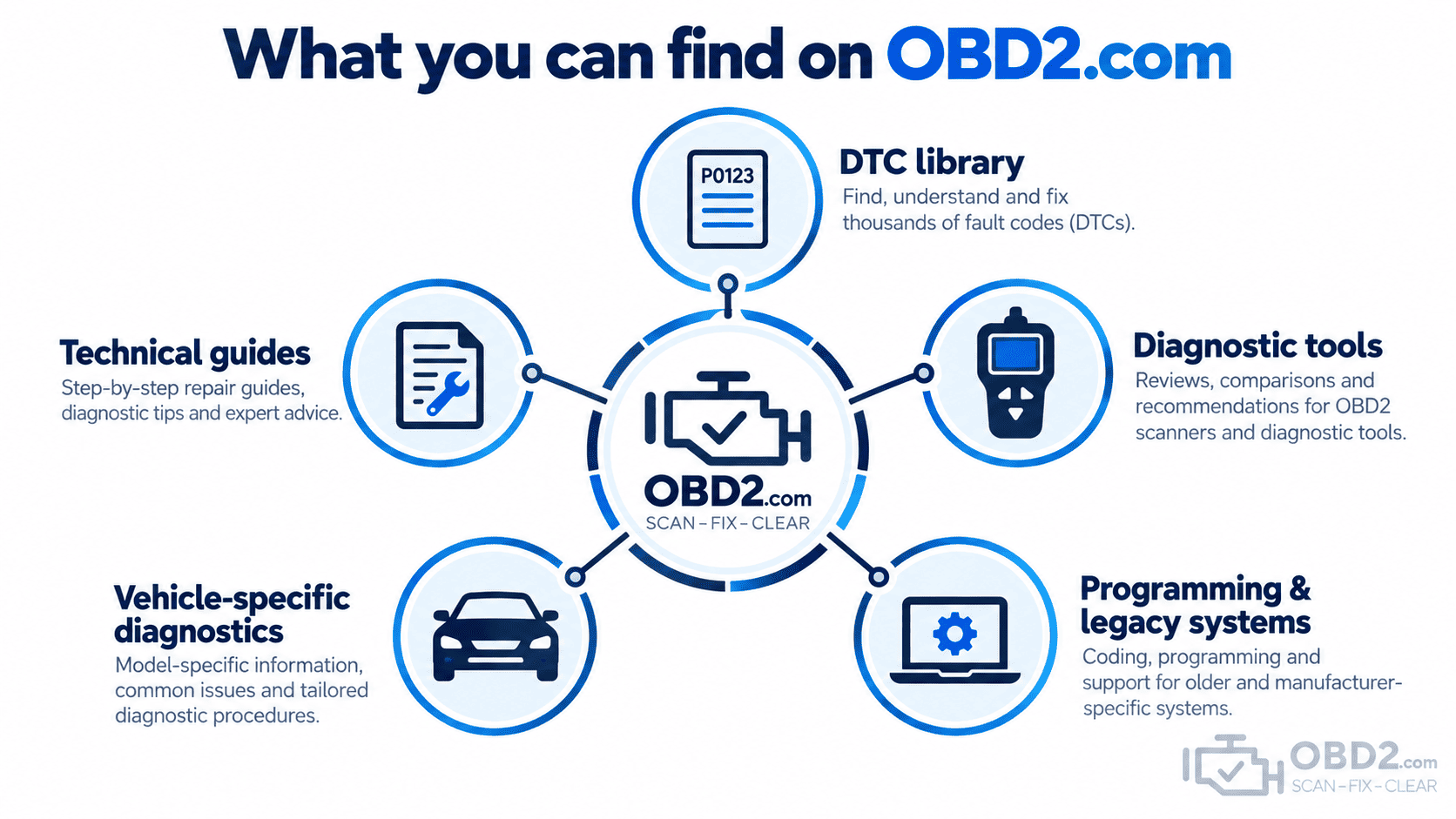
OBD2.com brings together information for drivers, DIY enthusiasts and automotive professionals who need to understand what a vehicle is reporting and which diagnostic tools are appropriate for the job.
Current resources include:
- the OBD2 Diagnostic Trouble Code Library covering powertrain, chassis, body and network communication codes;
- technical guides explaining OBD2 communication, connectors, readiness monitors and diagnostic procedures;
- information about diagnostic scanners, service functions and manufacturer-level diagnostics;
- guides to older pre-OBD2 systems where historical diagnostic information is still useful;
- technical resources covering subjects such as J2534 Pass-Thru programming.
For readers choosing diagnostic equipment, our OBD2 scanner buyer’s guide explains the difference between basic engine code readers, multi-system tools, maintenance scanners and bi-directional diagnostic equipment.
Diagnostics before parts replacement
Modern vehicles can store large amounts of useful information, but a fault code does not automatically identify the failed component.
Whenever possible, our guides explain the diagnostic context around a code: what the control module detected, which systems may be involved, what live data can help confirm the fault and which checks should come before parts replacement.
This is also why we distinguish between generic OBD2 access and manufacturer-specific diagnostics. Two tools can connect to the same 16-pin diagnostic connector while providing very different levels of access to the vehicle.
Diagnostic tools on OBD2.com
OBD2.com also provides diagnostic equipment for different levels of vehicle maintenance and troubleshooting.
That ranges from simple tools for reading a Check Engine Light to scanners capable of accessing additional control modules, performing maintenance functions or carrying out active tests on supported vehicles.
You can browse the current OBD2 diagnostic tools and scanners or use the buyer’s guide to determine which level of equipment matches the work you intend to perform.
Compatibility always depends on the exact vehicle and requested function, so the longest feature list is not necessarily the best choice for every user.
OBD2.com has a longer diagnostic history
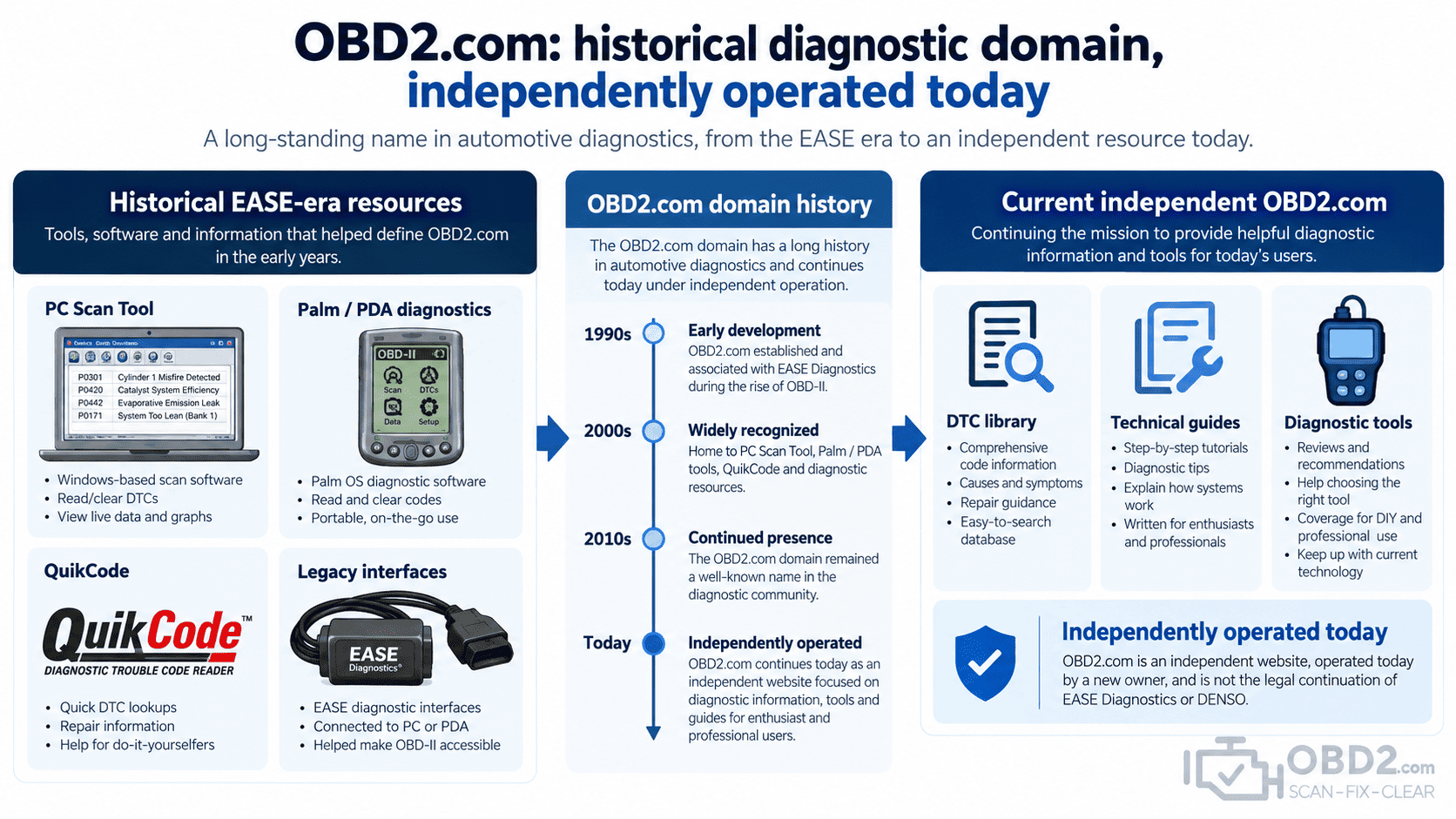
The OBD2.com domain has been associated with automotive diagnostics since the early years of standardized OBD-II.
Historically, it was used by EASE Simulation, Inc. / EASE Diagnostics, a company founded in 1993 that developed computer-based automotive diagnostic products, vehicle interfaces and related technologies.
That history explains why technical manuals, automotive forums and old workshop documents still contain links to OBD2.com for products such as PC Scan Tool software, Palm-based diagnostics, QuikCode and legacy vehicle interfaces.
Where those subjects remain technically useful, we have created modern explanatory pages rather than redirecting every historical link to an unrelated destination.
For the complete background, see the history of OBD2.com and EASE Diagnostics.
Independent operation today
The current OBD2.com began a new chapter under independent ownership in 2025.
The present website is not the legal continuation of EASE Simulation, EASE Diagnostics or DENSO and is not presented as being affiliated with those companies.
Historical information is retained only where it provides useful technical context, explains old incoming references to the domain or helps preserve automotive diagnostic knowledge.
Where to start
If you are new to vehicle diagnostics, these pages provide a useful starting point:
- What is OBD2?
- OBD2 DTC library
- OBD2 scanner buyer’s guide
- OBD2 connector and DLC pinout
- J2534 Pass-Thru programming
Contact OBD2.com
For questions about the current website, current products or an order placed on OBD2.com, use our contact page.
For historical EASE-related links or discontinued resources, see the legacy EASE Diagnostics resource hub.
